01
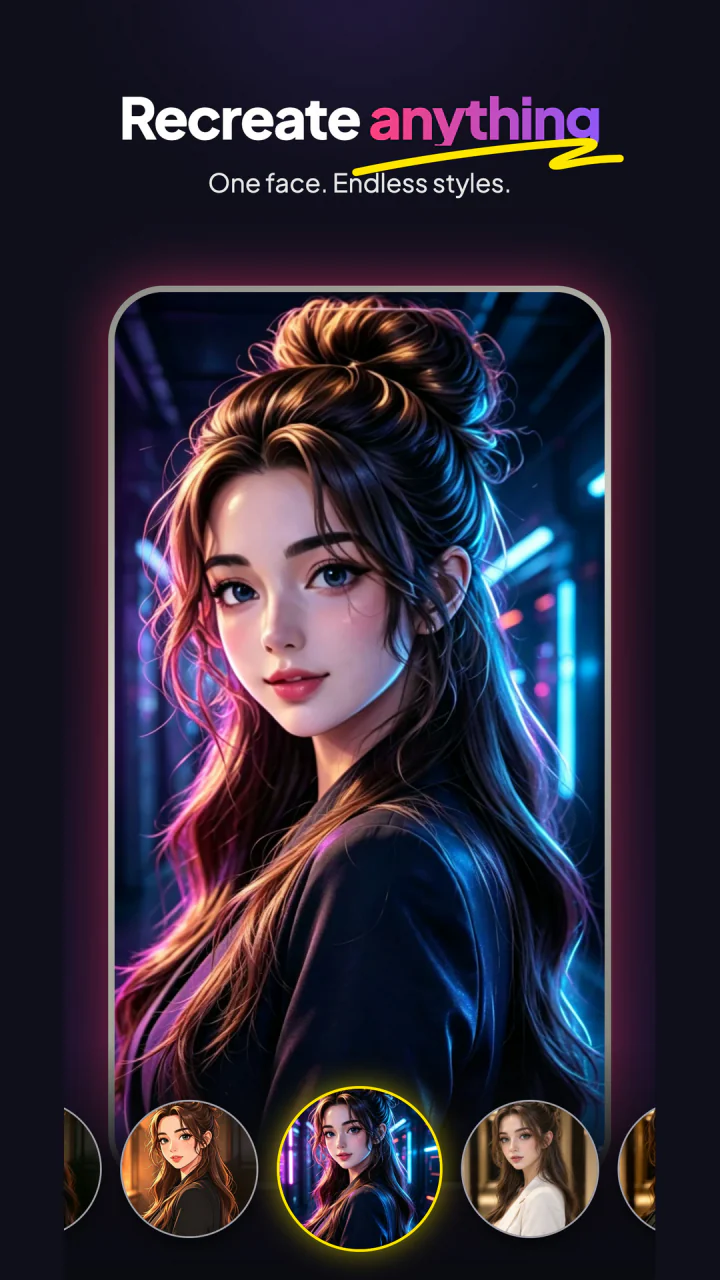
RECREATE ANYTHING
One face. Endless styles.
Restyle a favorite portrait while keeping the person at the center of every new look.
 Google PlayGet GummiVio
AI VIDEO · MADE PLAYFUL
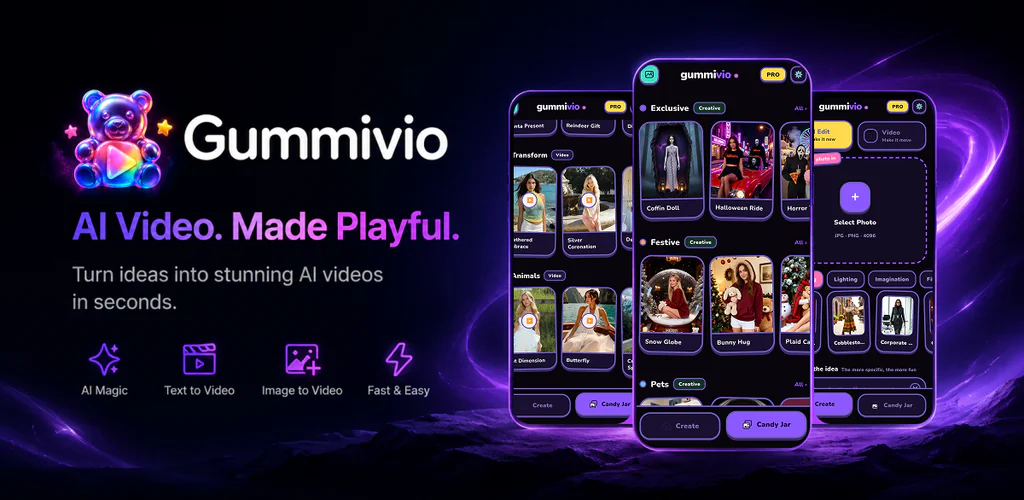
Turn words and photos into vivid AI videos. Pick a look, make it yours, and bring the moment to life in a few taps.
CREATE YOUR WAY
Start from a photo, a prompt, or a ready-made template. GummiVio makes each path visual, quick, and easy to explore.
RECREATE ANYTHING
Restyle a favorite portrait while keeping the person at the center of every new look.
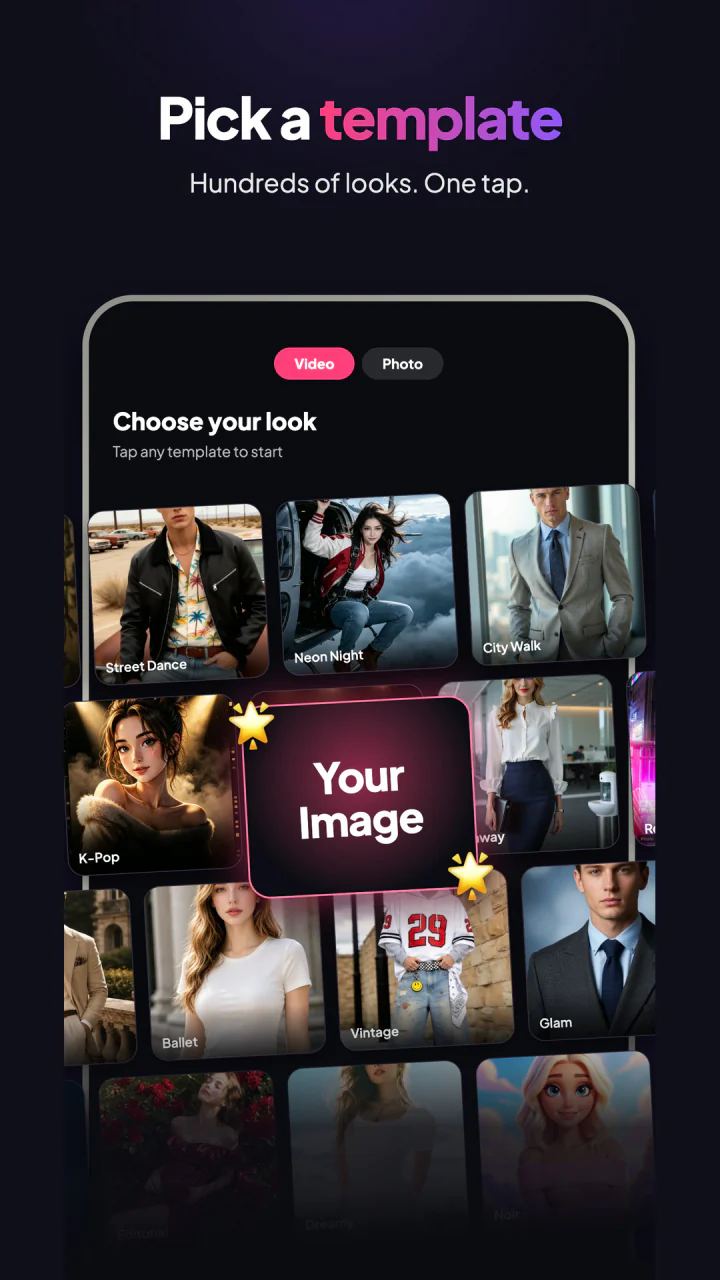
PICK A TEMPLATE
Explore ready-made video and photo styles, then add your own image to make the result personal.
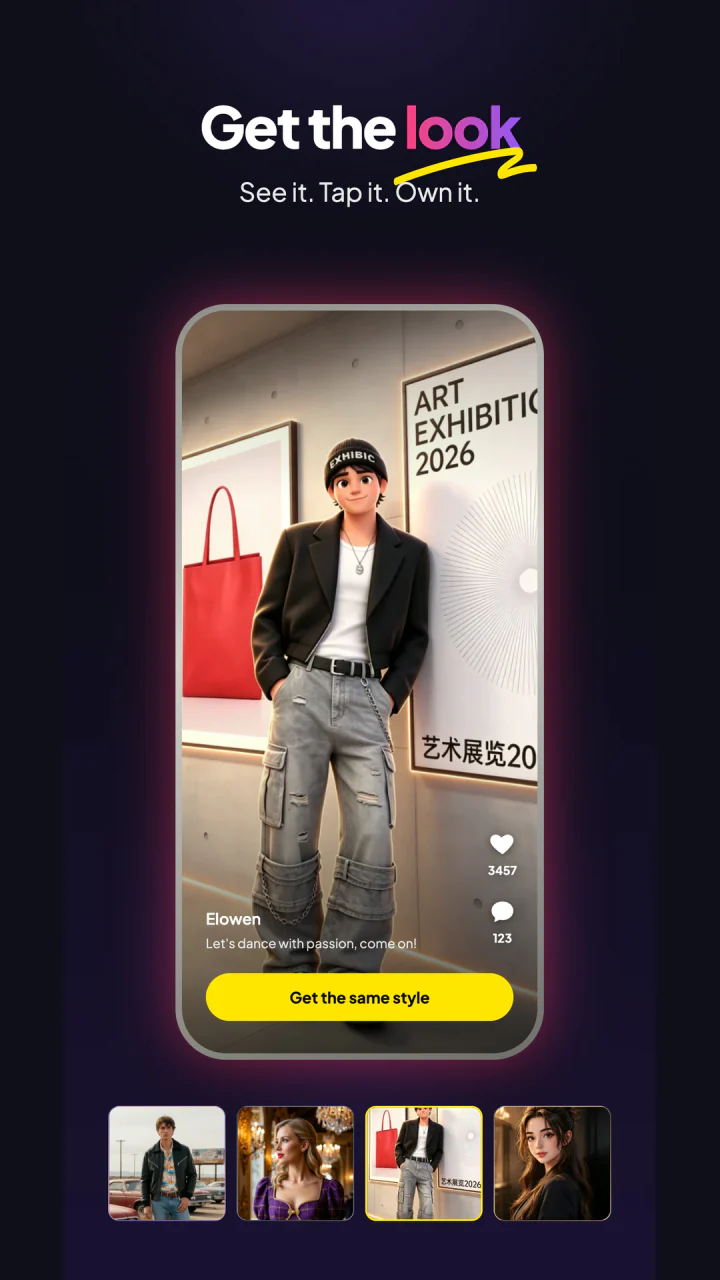
GET THE LOOK
Choose a style you love and use it as the starting point for your next playful creation.
FROM STILL TO STORY
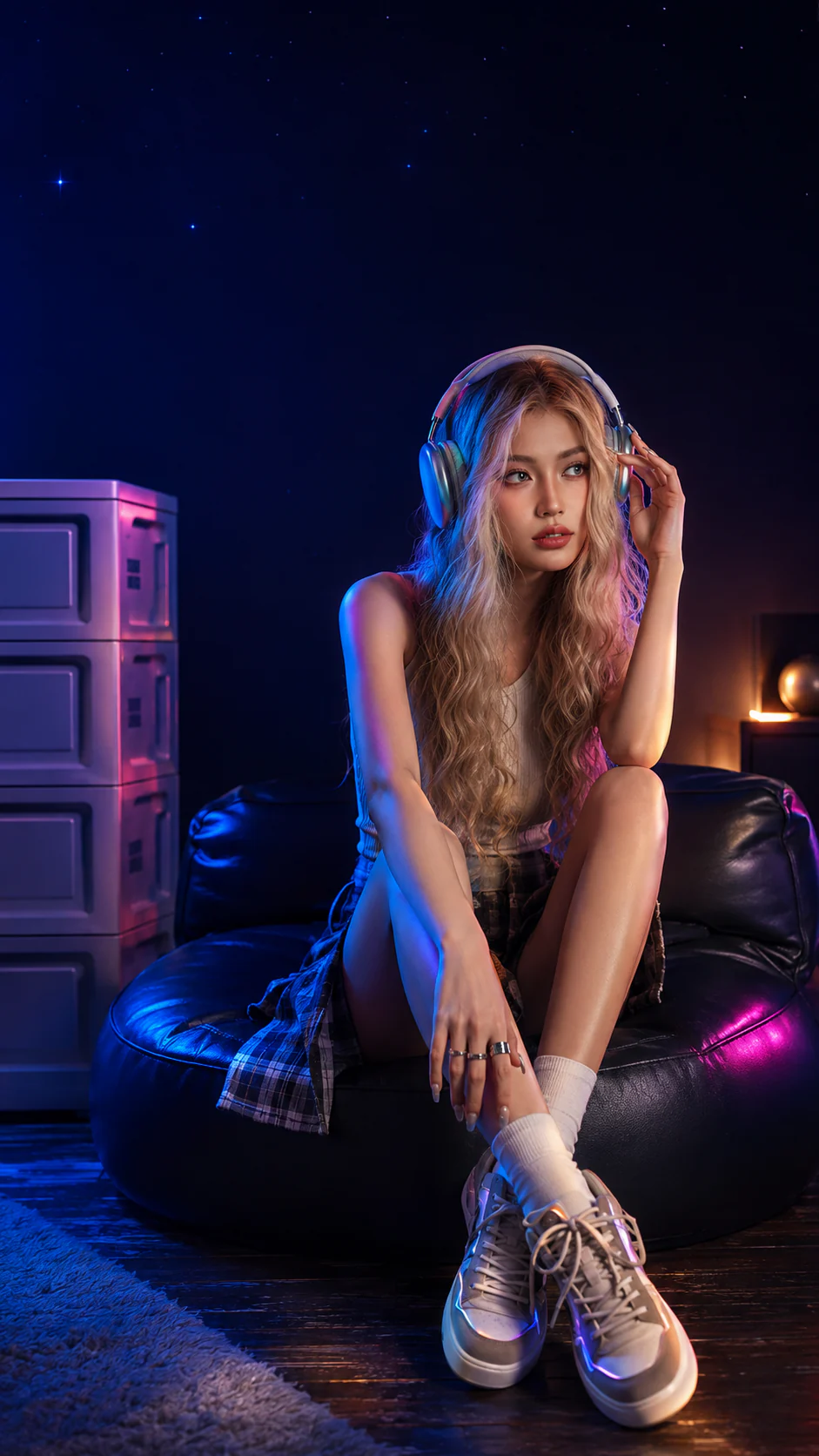
Turn a quiet portrait into a stylized character, a vivid moment, or a short video with movement and personality.
SIMPLE BY DESIGN
Write a prompt, add a photo, or open a template.
Pick the style, mood, and creative direction you want.
Generate, review, and save your result when it feels right.
SUPPORT & ACCOUNT CONTROL
Contact us for product support, privacy requests, or to request deletion of your GummiVio account and associated data.
SUPPORT · PRIVACY · DELETION
support@gummivio.comTo delete your account, use the delete-account option in the app or, if you cannot access the app, email us with the subject “GummiVio Account Deletion Request.” Accepted requests are ordinarily completed within 24 hours; see the Privacy Policy for records kept after deletion. Deleting the app or account does not cancel a Google Play subscription.
AI VIDEO · MADE PLAYFUL